How to choose the best photo for a custom pet portrait
The photo you upload is the starting point for everything, so a few minutes spent choosing the right one pays off. You do not need a professional camera; a phone photo in good light is usually ideal.
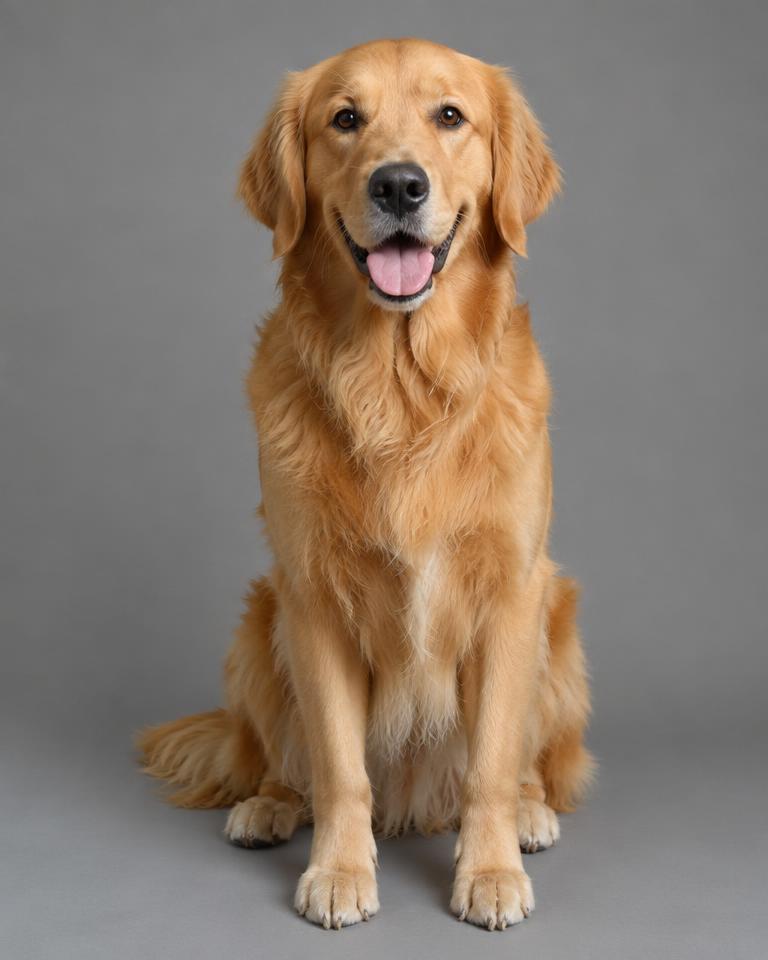
Lighting
Natural daylight is your friend. Stand your dog near a window or take them outside on a bright but overcast day. Avoid harsh midday sun, which creates deep shadows, and flash, which can cause glowing eyes.
Focus
Zoom in on the photo before you upload it. If the fur around the eyes and nose looks soft or smeared, try another. Sharp detail gives the artwork more to work with.
Face, eyes and ears
Facial visibility
Choose a photo where the whole face is visible, ideally facing the camera or at a slight angle.
Eye visibility
Eyes carry most of a dog's expression. Get down to their level and make sure both eyes are clear and open.
Ear position
Ears change a dog's whole look. Pick a photo with the ears in their 'normal' position, the one you would recognise anywhere. A squeaky toy just out of shot works wonders.
Backgrounds
A plain, uncluttered background helps the artwork pick out your dog clearly. Our styles replace the background anyway, so a tidy one simply avoids confusion.
Multiple pets
If you want more than one pet in the artwork, every face needs to be clear and in focus in the same photo. See family and multi-pet portraits for more.
Cropping
Leave a little space around your dog rather than cropping tightly to the ears. Portrait prints (A3 and A2) are taller than they are wide, while the square print is 50 × 50 cm, so some space helps every size.
Once you have the photo, upload it on the create page and preview your dog in all five styles.